One dial for everyone.
Each person has a hand on the clock. See their last shared place or status, with confirmation times to help you understand how recent it is.
 KinDial
A PRIVATE FAMILY CLOCK
Different days. Familiar places.
A gentle way to see your household’s shared places and statuses, all on one dial.
Made for iPhone & iPad
Your exact location stays on your device
when sharing with your household.
THE COMFORT OF KNOWING
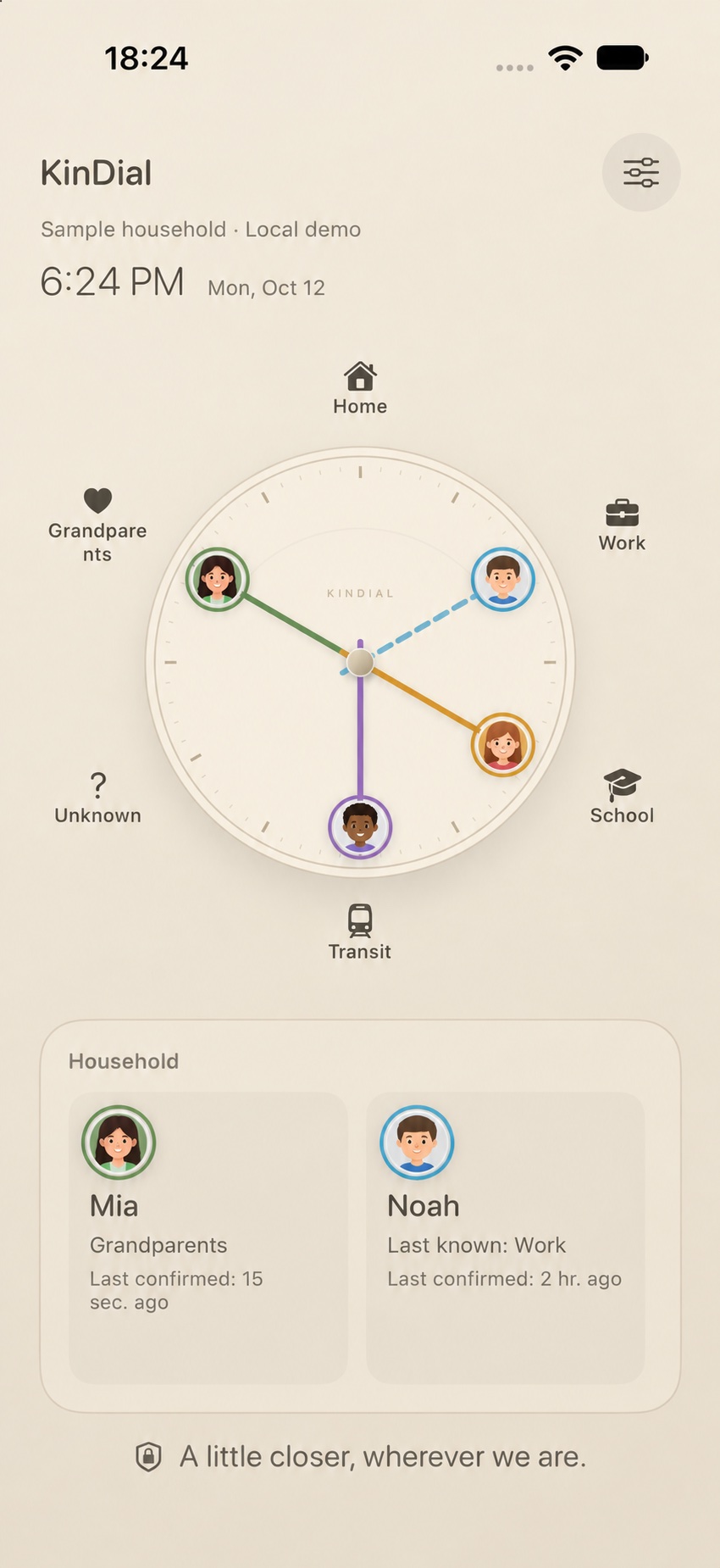
Home, work, school, or somewhere in between. KinDial brings the everyday rhythms of your household into a single, thoughtful view.
Each person has a hand on the clock. See their last shared place or status, with confirmation times to help you understand how recent it is.
The household owner can add and edit shared place names and icons. Each member privately sets up what those places mean on their device.
Confirm a status yourself, or enable automatic place updates on the device you carry. Updates depend on permissions and when iOS allows a check.
CLOSENESS, WITH BOUNDARIES
Your household sees “Home” or “School.” The saved address and map boundary behind that name stay on your device.
A few words about privacySame name. Your own meaning. “Work” can mean your office on your phone and your partner’s workplace on theirs.
Saved place coordinates and boundaries are encrypted on your device and excluded from backups. They are not synced to iCloud or KinDial’s household server.
AT HOME IN YOUR HOME
Elegant finishes. Colorful personalities.
Find a family clock that feels like yours.
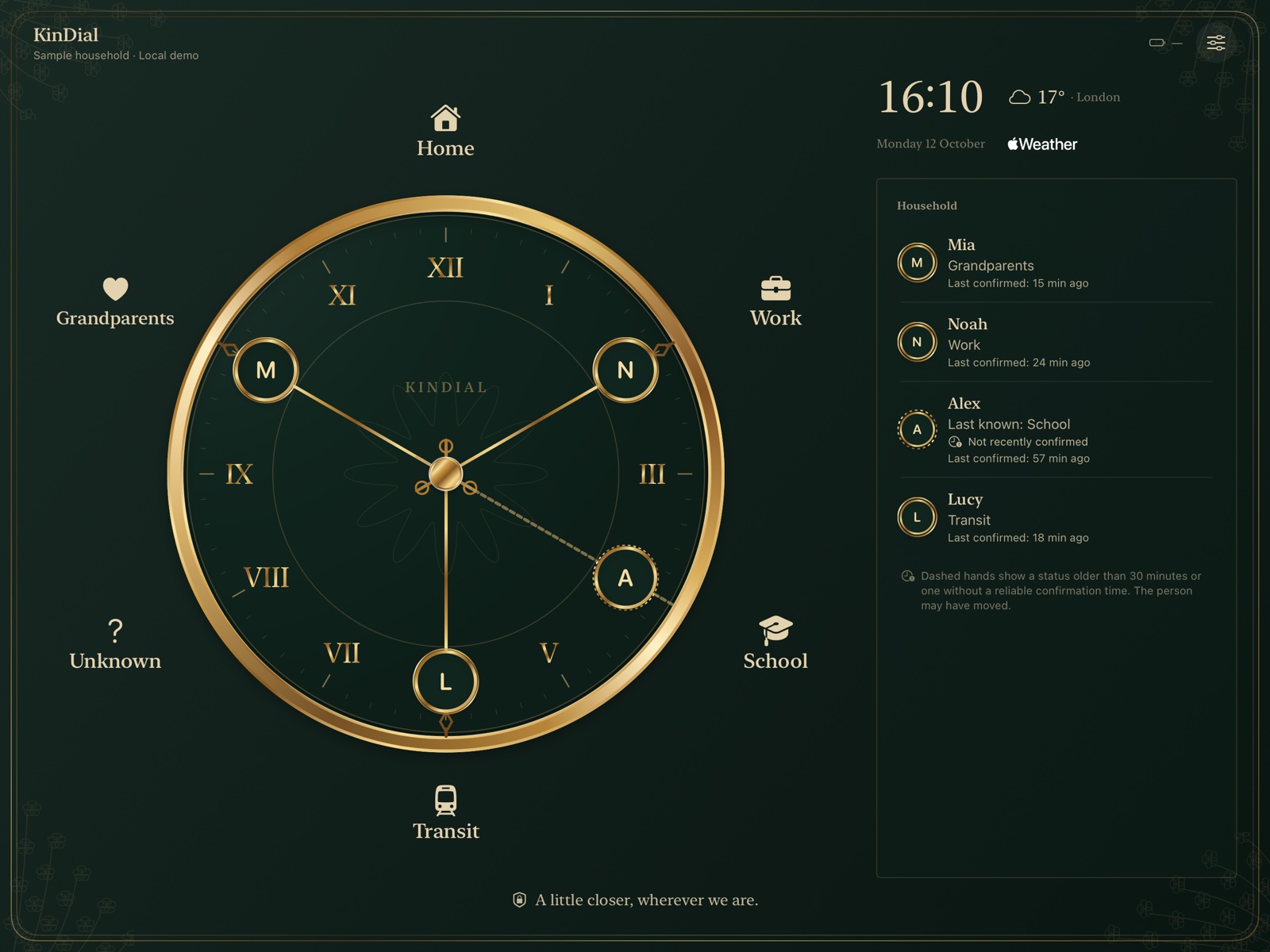
Victorian Brass · a richly detailed, timeless finish.
Eight theme families, in Elegant and Colorful finishes.
A personal touch for the people who matter.
Discover playful Rainbow Play and Space Party styles.
GOOD TO KNOW
Simple answers.
Because privacy should be easy to understand.
No coordinates or saved place boundaries are included in household status updates. Your household receives a named place or status and its confirmation time. Someone who knows what “Home” means can recognize the place, but does not receive a map pin.
The household owner manages the shared place names and icons. Each member privately sets up the corresponding locations and arrival areas on their own device.
Yes. You can confirm a status manually. This pauses automatic reporting for your account until you select a reporting device again and enable the required settings.
The dial shows the last shared information. Confirmation times and “Last known” labels help you see when an update may be older. Automatic updates depend on permissions, device settings, and when iOS allows location checks.
These optional Apple services are separate from household sharing. Place search sends your search text and, when available, the map area to Apple Maps. Optional iPad weather sends an approximate location to Apple for weather and city-name lookup. Your saved place boundaries are not used for weather.
A household can be a family, partners, friends, or people living together. KinDial gives the people in your household a shared view of familiar places and statuses.
YOUR PEOPLE. YOUR PLACES.
A private family clock for iPhone and iPad.
Explore KinDial